Dine-in floor plan & table service.
Your rooms and tables laid out like your floor. Order by seat, split any check, and hand the tablet to the guest to tip and pay.

Dine-in floor plan & table service at a glance
- Rooms and tables laid out to match your floor
- See at a glance which tables are in use
- Order by guest and seat, with check names and numbers
- Split a check evenly, by item, by seat or by amount
- Tips across split payments
- Hand the POS to the guest to tip and pay
- A manager's PIN on voids and discounts
- Part of the Blizzfull POS, $0 on Core for every new signup

Dine-in is one tap from home.
Start a table from the same screen as pickup and delivery.

Your floor, on the screen.
Rooms and tables laid out like your restaurant. Tap a table to start its order.
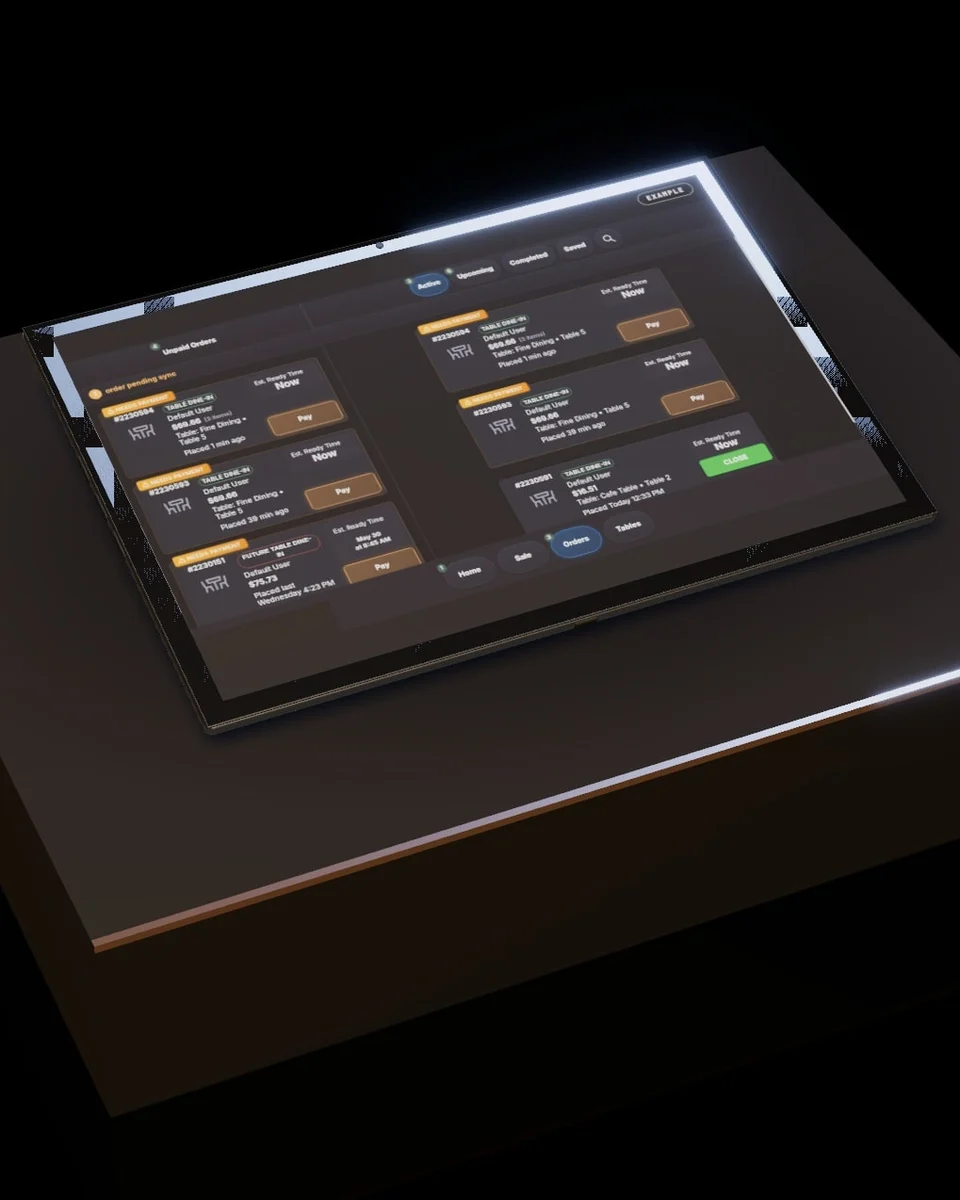
Every table's order, in one list.
Table name, what's still to pay and when it's due, on the counter and the team tablet.

Split it any way the table wants.
Evenly, by item, by seat or by amount, with tips carried across every payment.
Tip and pay at the table.
Hand the tablet to the guest; they tip and pay on the screen.
Everything else in Blizzfull
- One POS. Everything connectedOrders, delivery apps, the kitchen, payments, gift cards and loyalty on one system. $0 for new signups.
- AI marketing that brings guests backAI writes and sends your emails and texts from your own sales. Approve the week in one tap. An add-on.
- Gorgeous designer websitesOne of a kind, never a template. A page for every dish, checked against WCAG 2.1 AA.
- Every delivery app, one screenDoorDash, Uber Eats and Grubhub orders on the same board, printers and kitchen screen as yours.
- Gift cards, online and in storeSell them on your website, redeem them at the register. One balance everywhere.
- Kitchen displayCounter, online and delivery-app orders on one kitchen screen, updated as orders change.
- Card payments, built into the POSBlizzfullPay: cards, Apple Pay, split checks and tips on screen, matched to every bank deposit.
- Loyalty that runs itselfGuests earn on every direct order and redeem online or at the counter. You set the rate.
- Online ordering on your own siteYour website and QR codes send orders straight to your kitchen, confirmed and printed.

A mom-and-pop should never lose to a chain on anything.
With Blizzfull, it doesn’t have to.
2,500+ restaurants served24/7 support(213) 529-3956