
For dining rooms that know their regulars.
Ring up by guest and seat, split checks and fire to the kitchen. Direct orders and your guest list live in the same system.
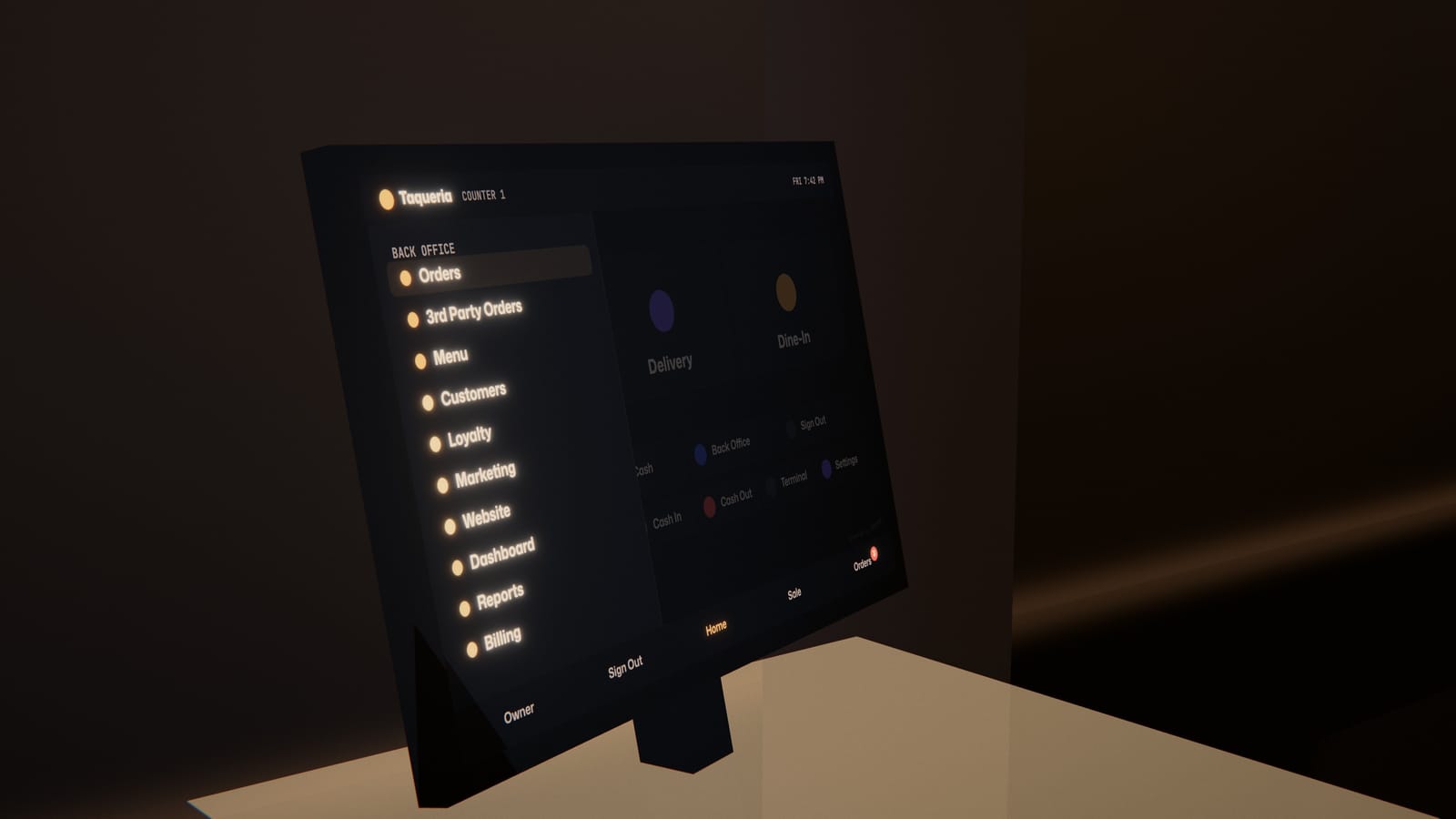
The POS and the back office are one system.
On the Blizzfull POS, set up by our team, tap Back Office for today’s sales, how the week is pacing and your top sellers.
Split by guest and seat.
Ring items up by seat, then split the check evenly, by item, by seat or by a custom amount. Discounts wait for a manager’s PIN.
Charlene’s · Table 12
Four guests, split by seat
- Seat 1Short rib$34.00
- Seat 2Branzino$31.00
- Seat 3Two glasses of red$26.00
- Seat 4Risotto$24.00
Get found on Google.
Designer Websites builds a page for every cuisine you cook. Put your ordering link on your Google Business Profile too.
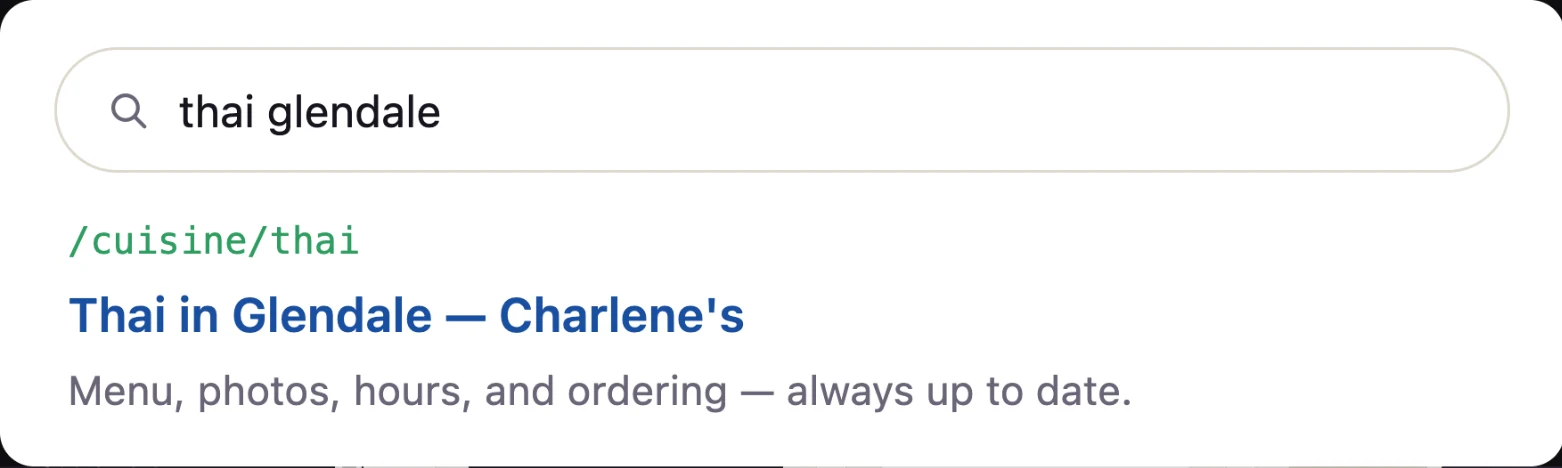
Their own sites. Their own orders.
Oba Sushi and Anantra Thai take direct orders on their own websites, with Blizzfull behind them.


Your regulars hear from you, not an app.
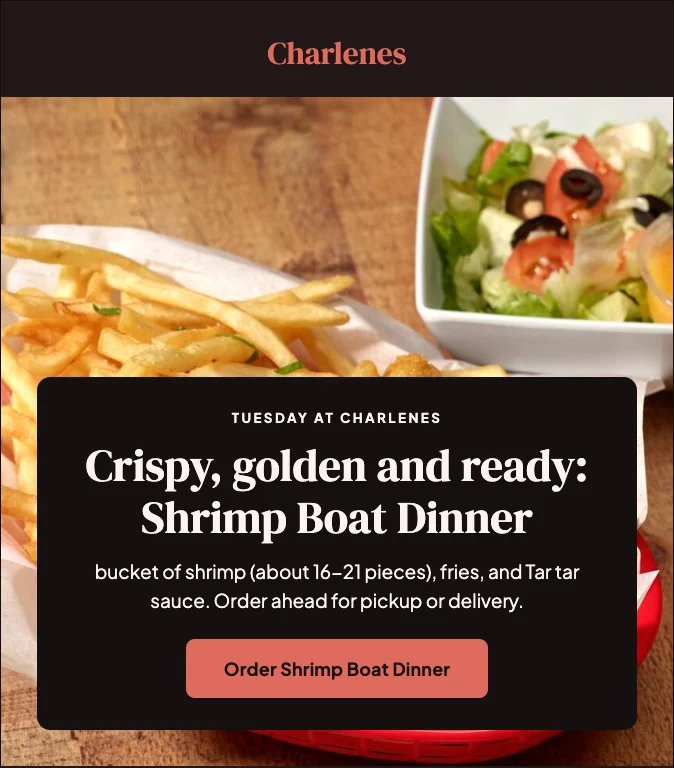
Marketing Studio writes each email in your voice, with your real dishes and prices, and sends it when you approve.

A mom-and-pop should never lose to a chain on anything.
With Blizzfull, it doesn’t have to.
See how direct ordering and the Blizzfull POS could connect around your dining room.
2,500+ restaurants served24/7 support(213) 529-3956