For food trucks, wherever you park.
Your ordering link in your bio, cards at the window, and a guest list that follows you from stop to stop.
Your ordering link, in your bio.
Put it on your socials, your Google Business Profile and your website, and print a QR code for the window. Guests order from your own page.
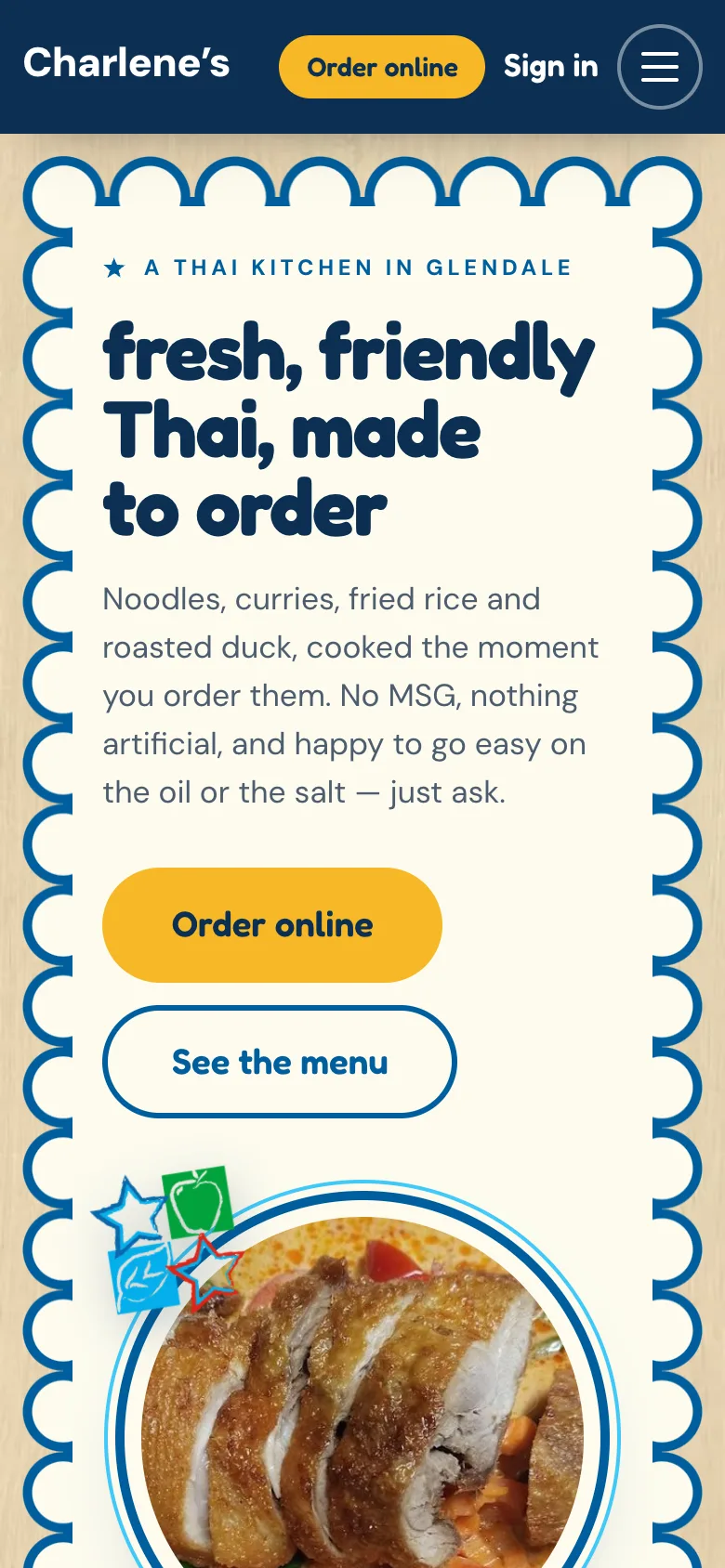
Tell regulars where you’ll be next.
Guests who order direct join your own list. Text them about your next stop: Marketing Studio writes it in your voice, and nothing goes out until you approve.
Fri 11:05 AM
Charlene’s: We’re at Maple & 3rd today, 11:30 to 2. Order ahead and pick up at the window: charlenes.com/order Reply STOP to opt out
No signal? Keep selling.
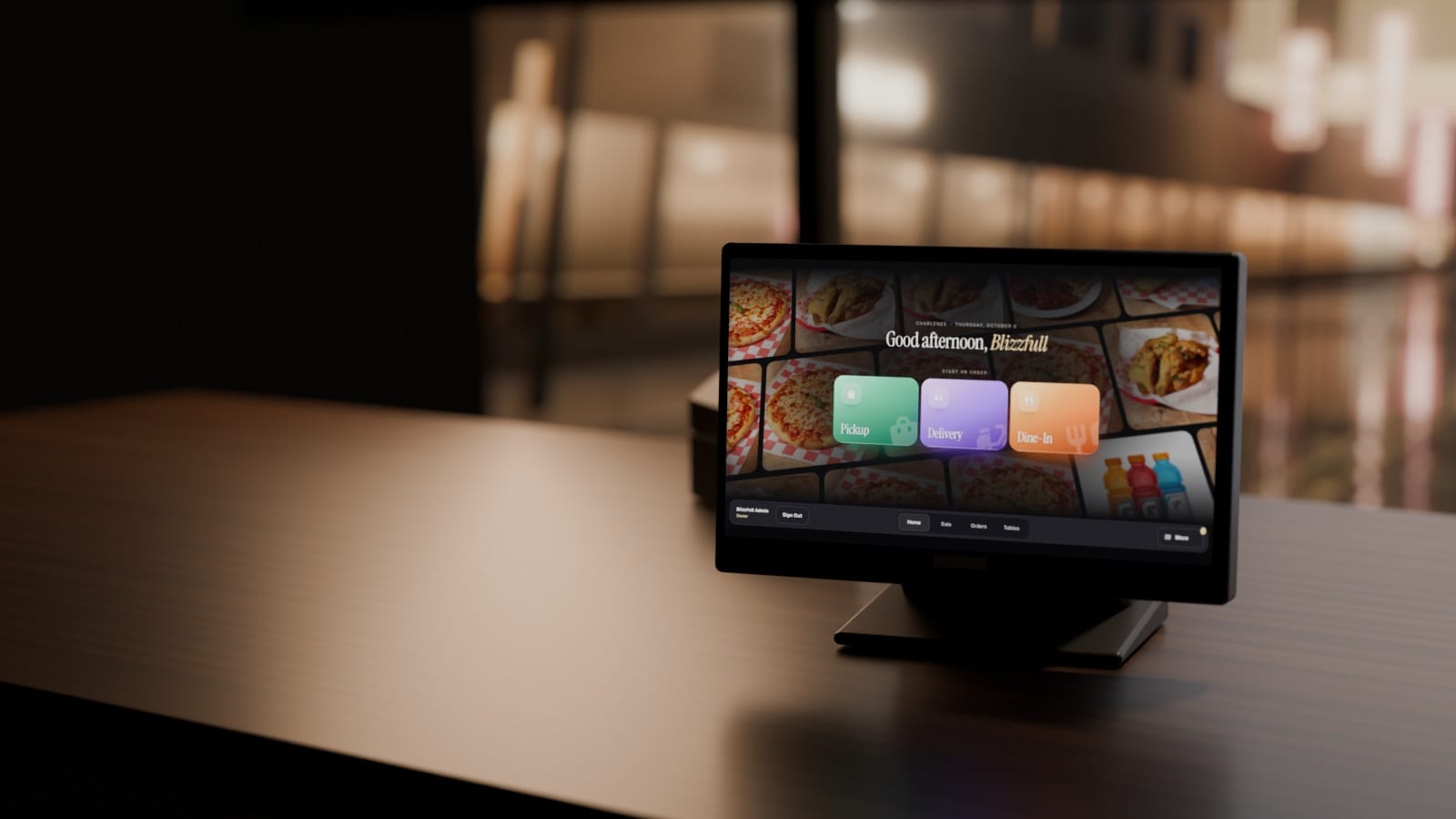
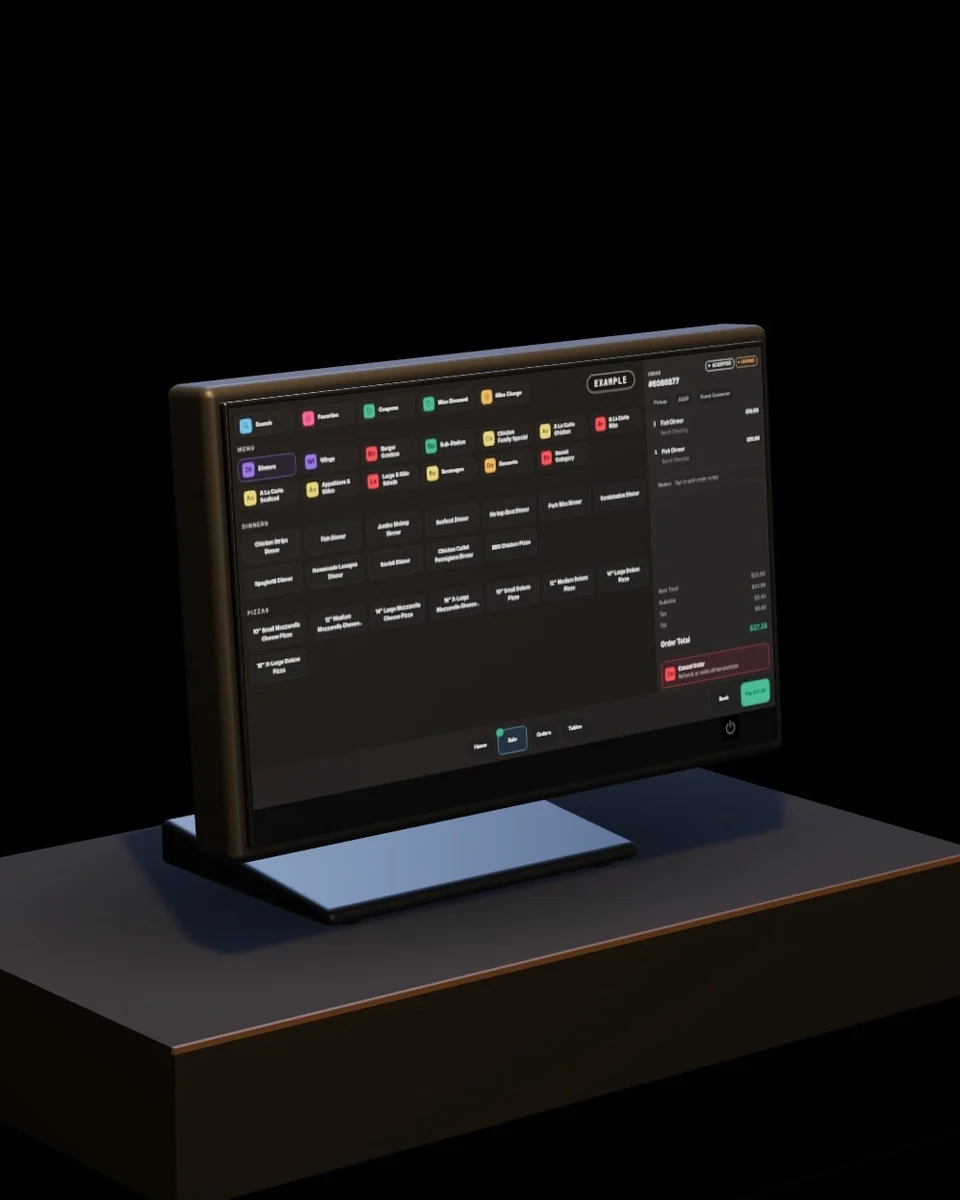
The Blizzfull POS, set up by our team, saves orders on the tablet and syncs when you’re back online. Card payments and kitchen tickets go through once you reconnect.
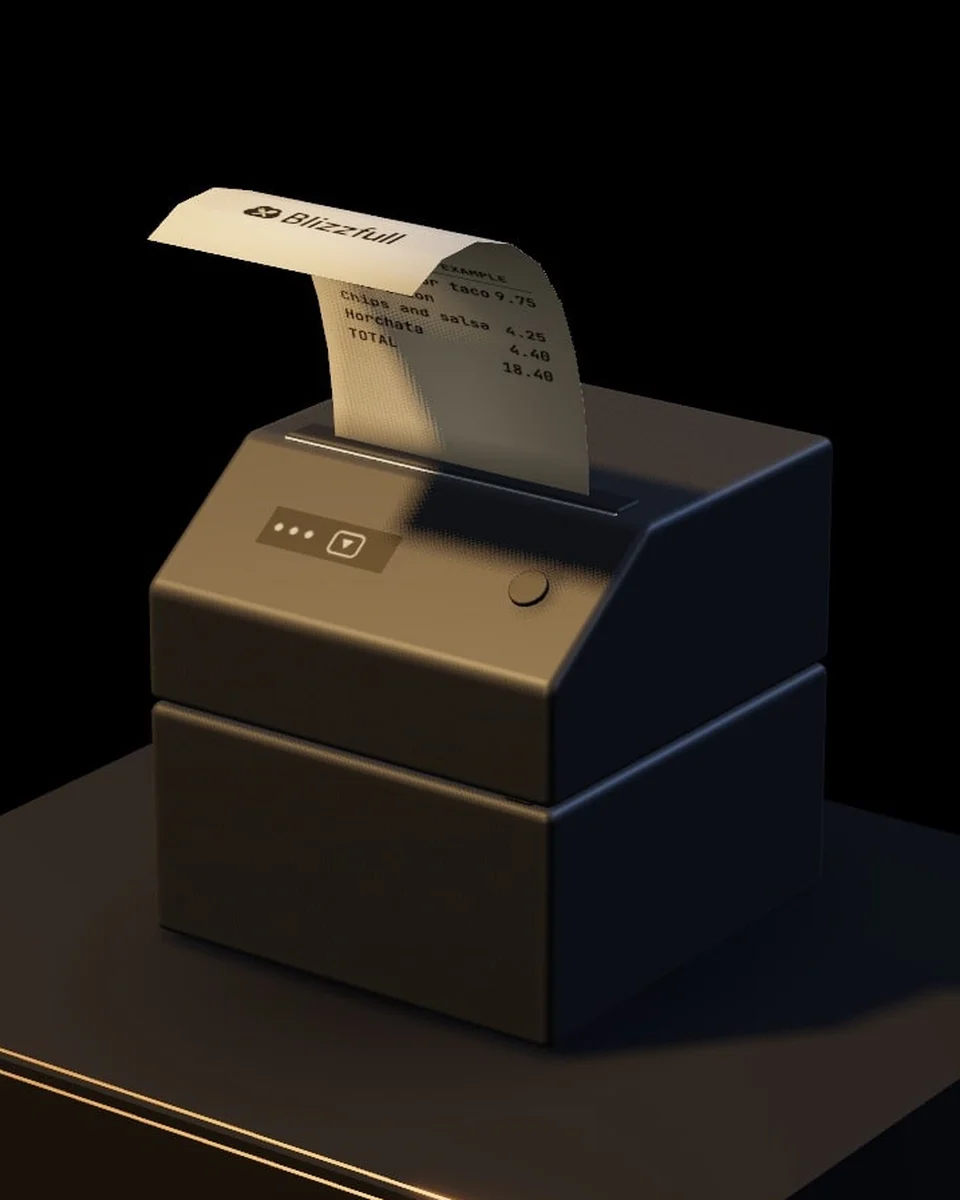
Yesterday’s sales, before you open.
Turn it on once. Every morning, at a time you choose, yesterday’s sales land in your inbox next to the same day last week.
Daily sales · Thursday
$1,284 in sales
- Last Thu$1,102
- Busiest12 to 1 PM
- Top sellerAl pastor taco

A mom-and-pop should never lose to a chain on anything.
With Blizzfull, it doesn’t have to.
See how direct ordering, the Blizzfull POS and a guest list you own could move with your truck.
2,500+ restaurants served24/7 support(213) 529-3956