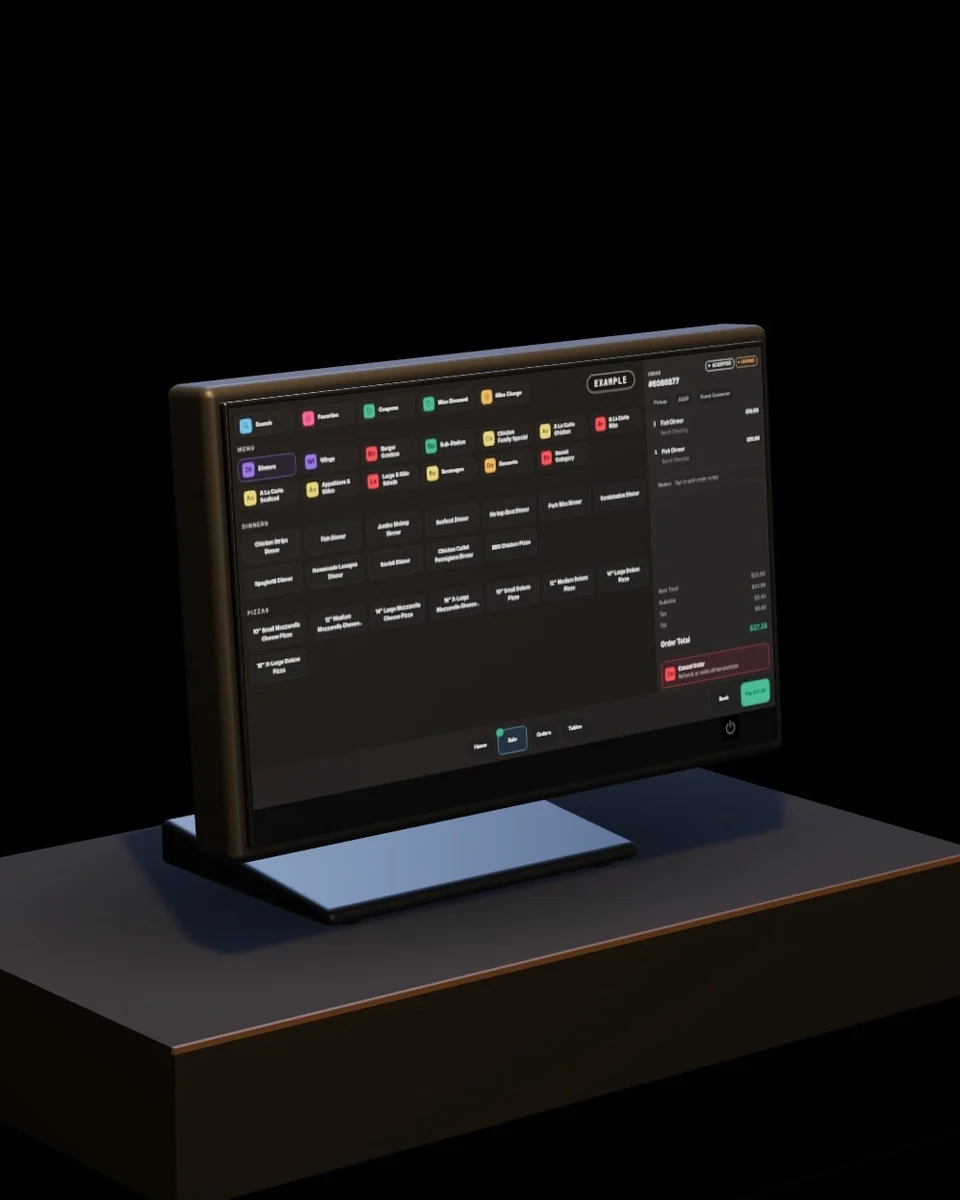
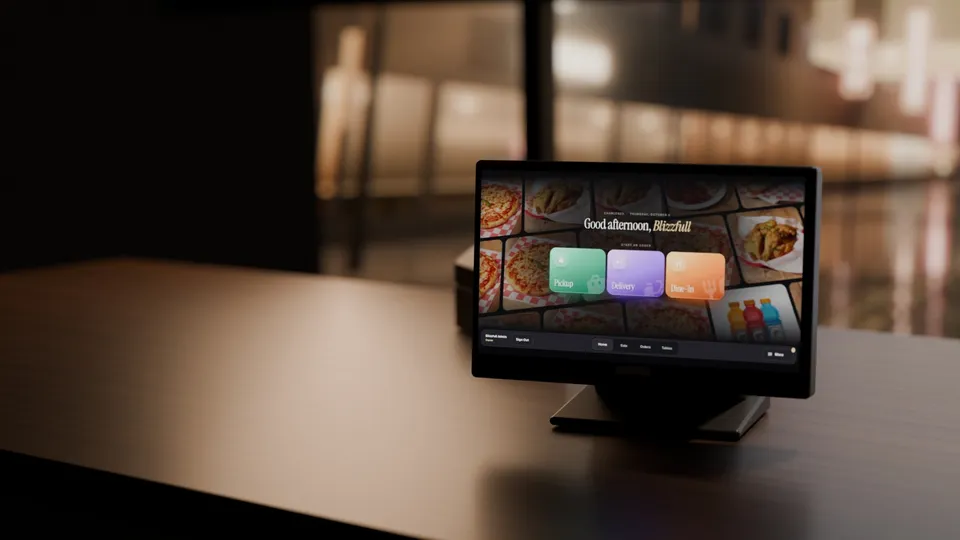
One tablet runs the counter.
The Blizzfull POS on restaurant-grade Android hardware, set up and managed by our team. $0 a month on Core, plus card processing.
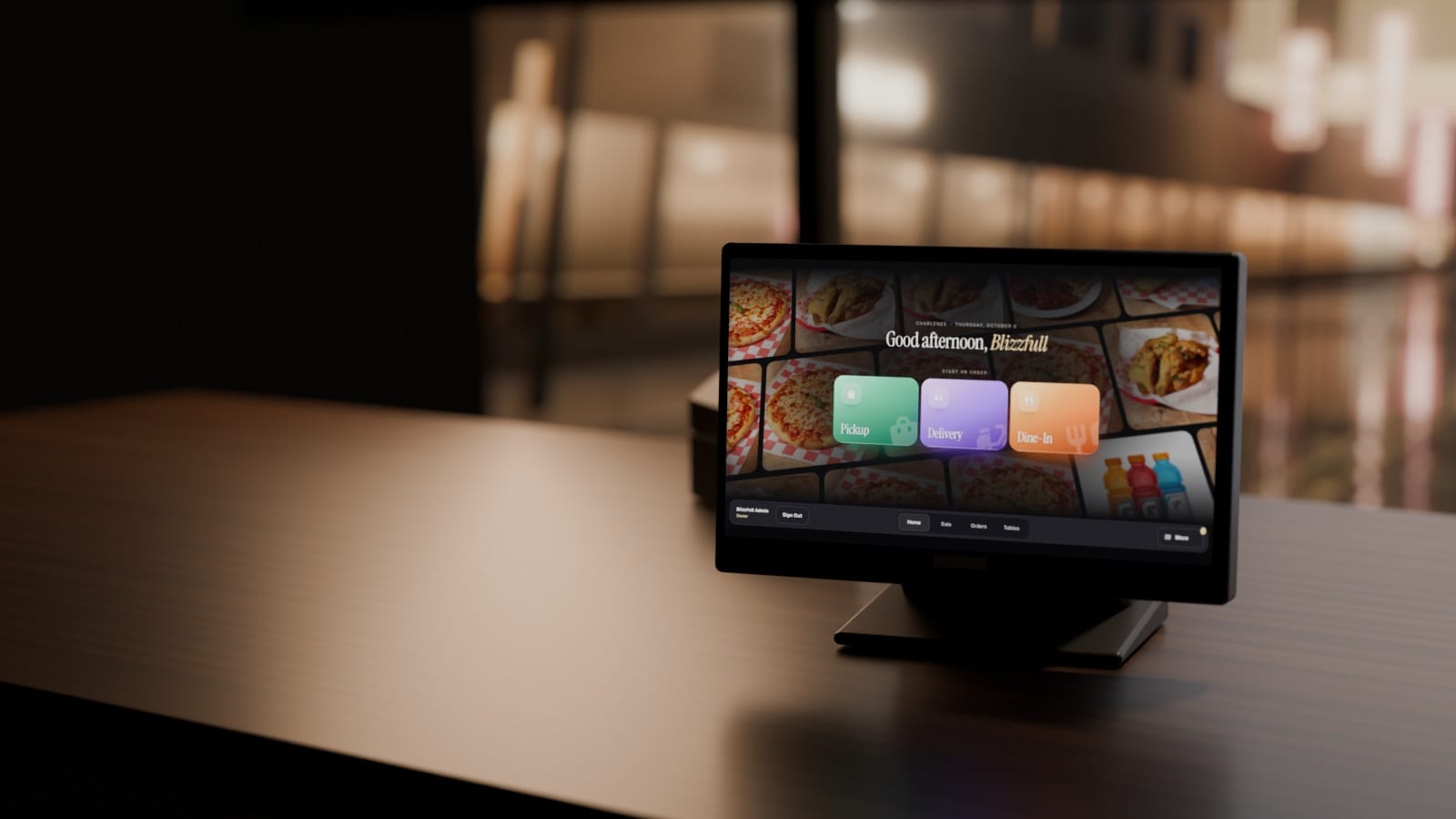
Ring up an order in a few taps.
Animated from real Blizzfull POS screens. Example restaurant.
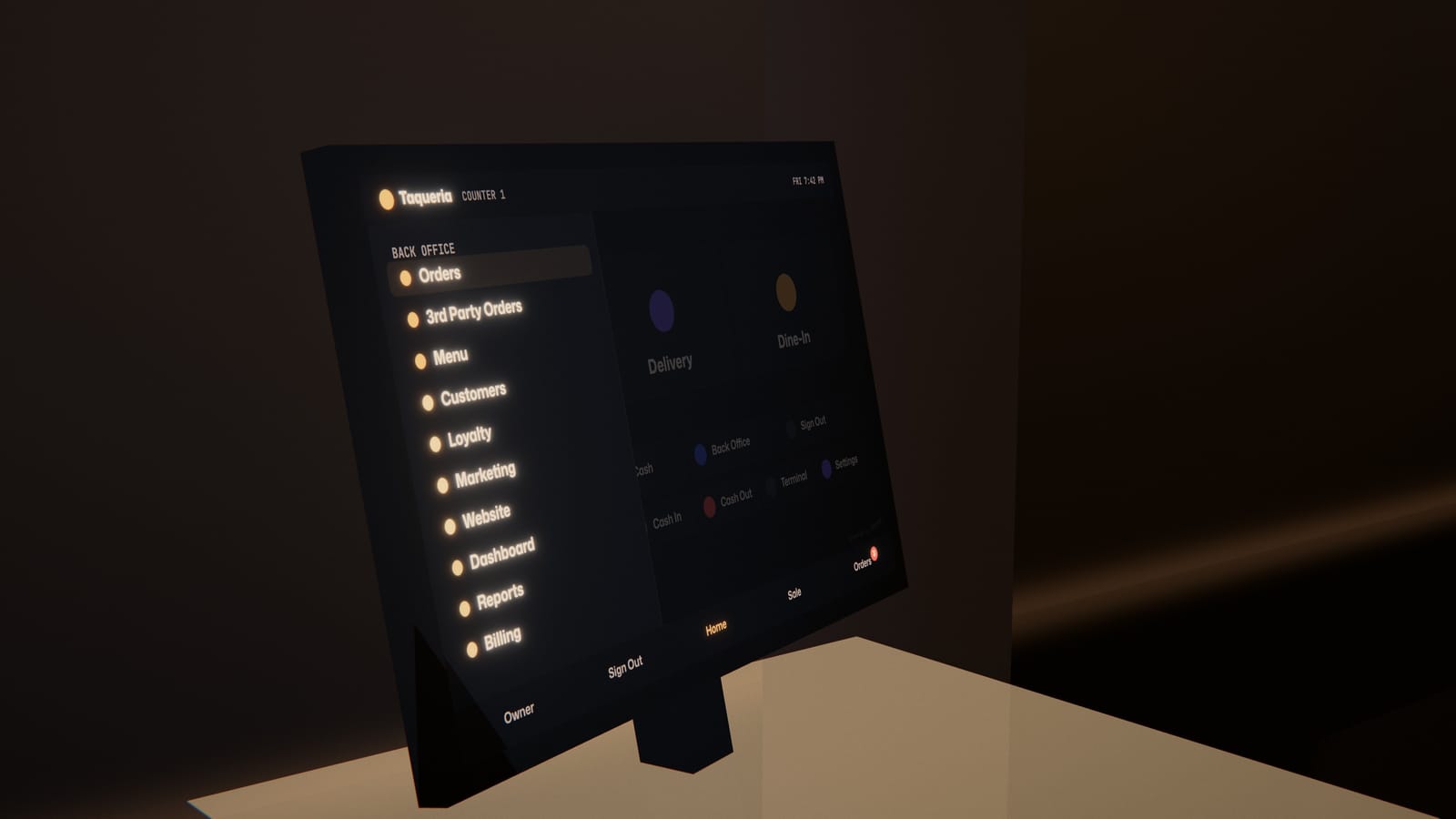
Every order, one screen.
Counter, website, QR code and delivery-app orders land on one board and print at the right station, with no retyping. Your menu, guests and reports are one tap away.
Restaurant-grade. Set up and managed by our team.
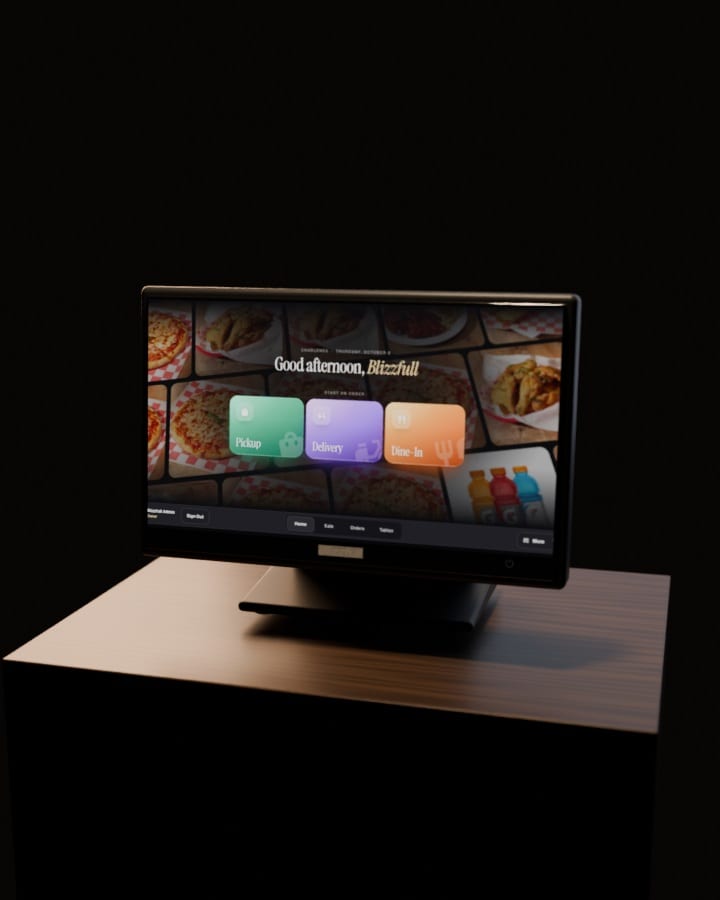
POS Terminal
Ring up orders and take payment at the counter.
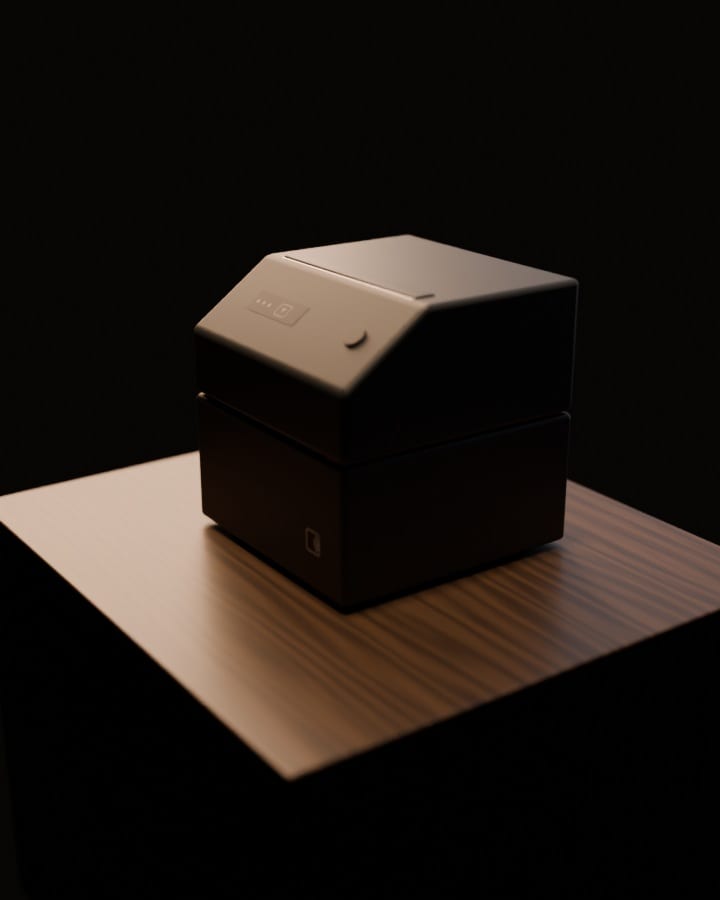
Receipt Printer
Receipts at the counter, and new online orders print themselves.
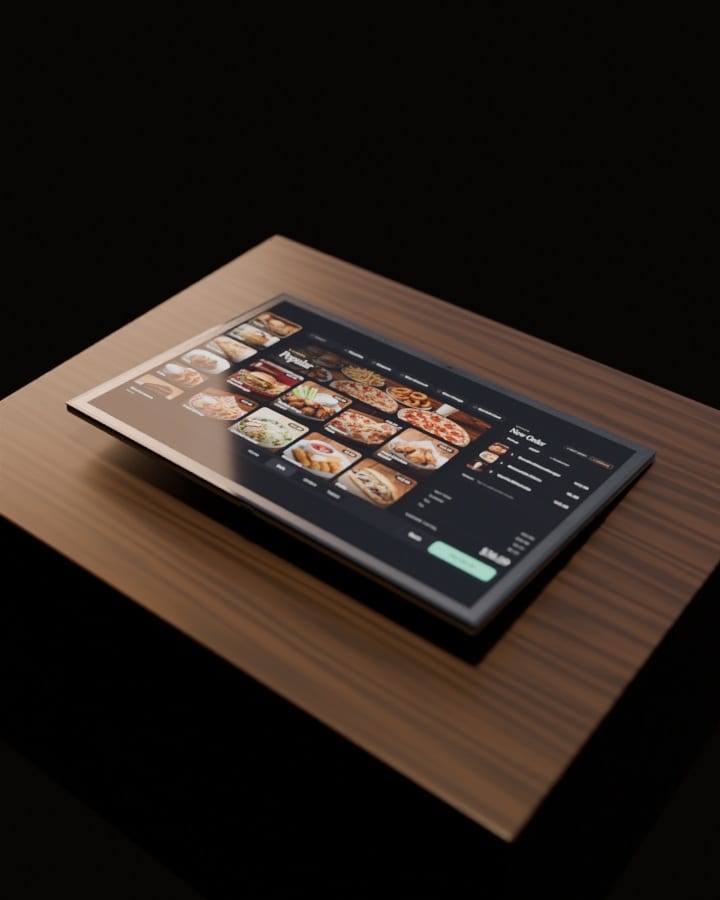
Team Tablet
Every order in your hand, away from the counter.
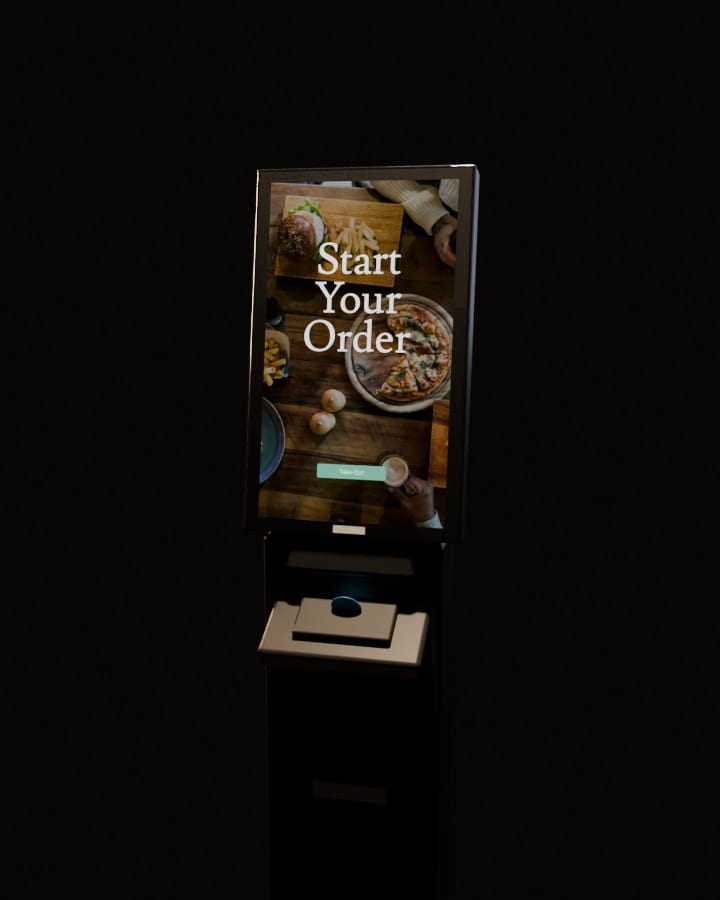
Self-Order Kiosk
Guests order and pay on their own, straight into your order feed.
Paid add-on
We set it up around your counter.
Our team looks at your counter, network and kitchen with you, then installs the POS, printers and card terminal where they fit. No training needed, but we’ll train your staff if you want.
Setup visit · Charlene’s
Our team, at your counter
- CounterThe POS and the card terminal
- KitchenPrinters where the tickets go
- NetworkChecked with you
- Your staffTrained if you want
Hardware questions
Hardware questions.
Do I need new hardware?
We'll check your current setup first, so we can tell you what fits. Blizzfull POS runs on restaurant-grade Android hardware that we set up and manage for you. If you switch, the Blizzfull POS is $0 a month on Core for every new signup, plus card processing, and set up by our team. Hardware terms: ask us.
Can I use my own tablet?
The Blizzfull POS runs on the Android hardware our team sets up, which is what lets it print tickets, open the cash drawer and take card payments on a connected terminal. Your back office opens in any browser.
What does the hardware cost?
Hardware terms: ask us, and we'll walk you through them on a 15-minute demo. The Blizzfull POS is $0 a month on Core for every new signup, plus card processing. Self-order kiosks are a paid add-on, and kiosks and extra hardware are scoped in a Custom bundle.
Who sets it up, and how long does it take?
Our team. We switch the Blizzfull POS on for your restaurant and set it up with you, and we help you connect your delivery apps on Pro. Timing depends on menu complexity, content, hardware, approvals, and any custom integrations. We confirm the scope and launch plan before implementation begins.
Which payments can I take?
On the Blizzfull POS: card payments on a connected terminal, cash with a drawer that pops open on its own, keyed-in cards and gift cards. You can also save an order to pay later. Voids need a manager's PIN.
What if the internet goes down?
The POS saves your orders on the device and syncs them automatically when you're back online. Kitchen tickets print and card or gift-card payments go through once you're reconnected.
Do kitchen tickets print automatically?
Yes. On Blizzfull's Android order tablet, new online orders print automatically. Restaurants on the Blizzfull POS can also send every ticket, including delivery-app orders (on Pro), to the right kitchen and expo printers. Printing needs the Android hardware; it doesn't work from a plain browser.
Is the self-order kiosk included?
No. The self-order kiosk is a paid add-on, quoted in a Custom bundle. Our team installs it and brands it to your restaurant. Kiosk orders go straight into your live order feed, and onto your POS and kitchen display when the Blizzfull POS is on.
Is there a screen for my guests?
Yes, for restaurants on the Blizzfull POS: a branded screen your guests see, where they pick a tip and sign in to your rewards. It runs on a dedicated customer-facing display, or you can hand your POS tablet to the guest at checkout.
Is there a handheld for taking orders at the table?
It is being built and is not available yet: a tablet with a card reader on its back, for the order and the payment at the table. You can see how it will work in the room at the top of this page.
DoorDash, Uber Eats, Grubhub and Epson are trademarks of their respective owners.
Still have a question?
Call (213) 529-3956

A mom-and-pop should never lose to a chain on anything.
With Blizzfull, it doesn’t have to.
2,500+ restaurants served24/7 support(213) 529-3956