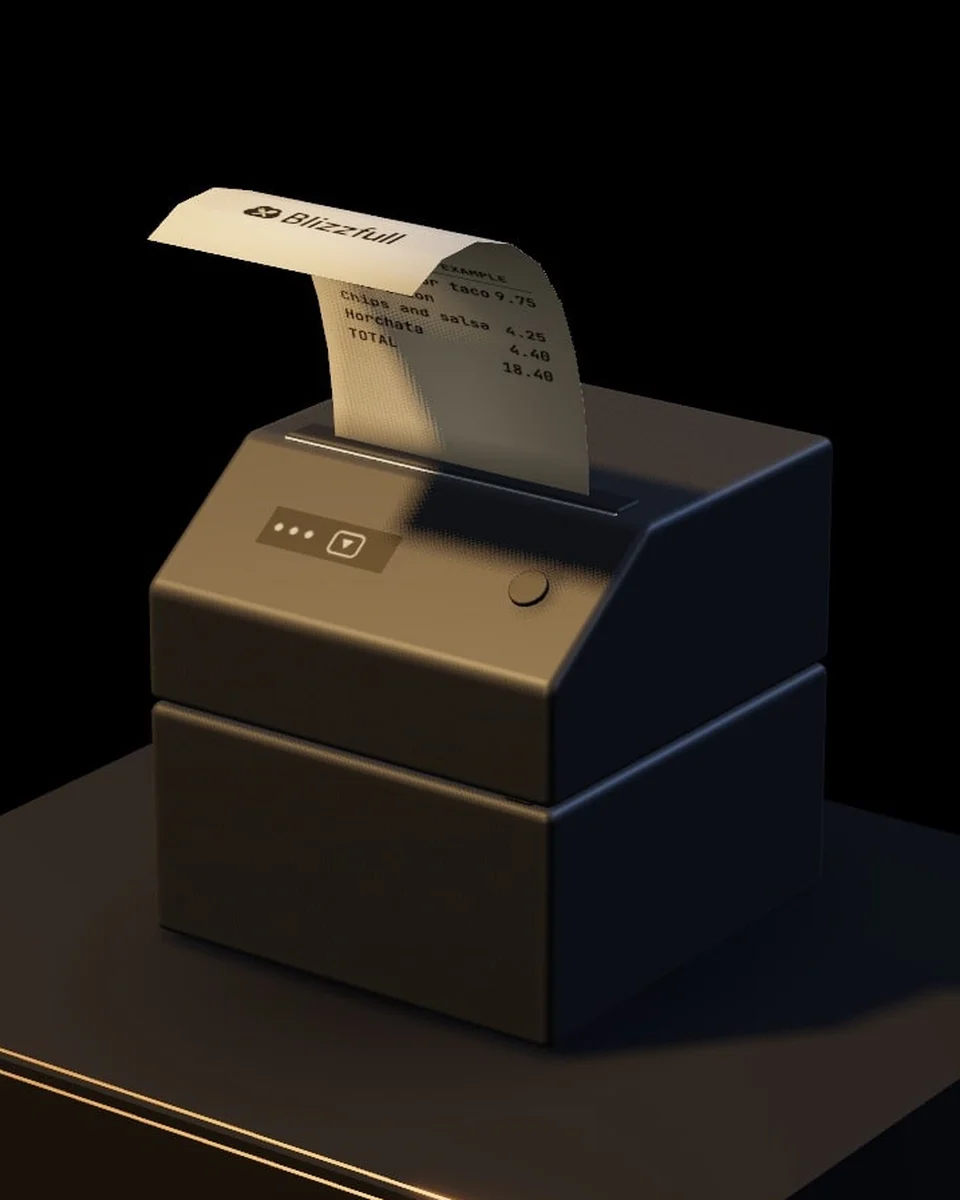
Receipt Printer
Receipts at the counter, and new online orders can print on their own.
On your list: 0 Review the list
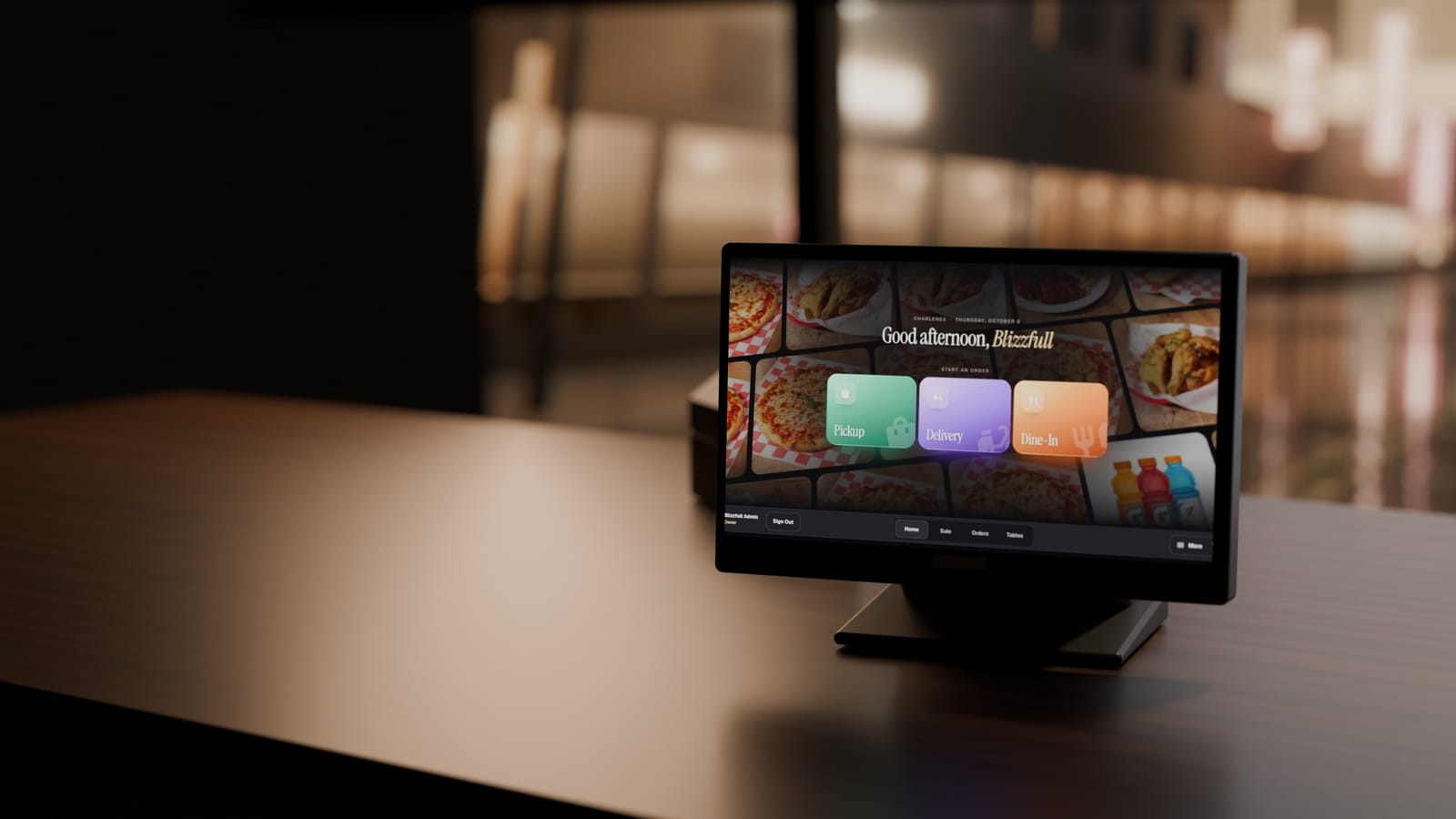
Build a list of what your restaurant needs, and we’ll check the fit with you. Every device is set up by our team.
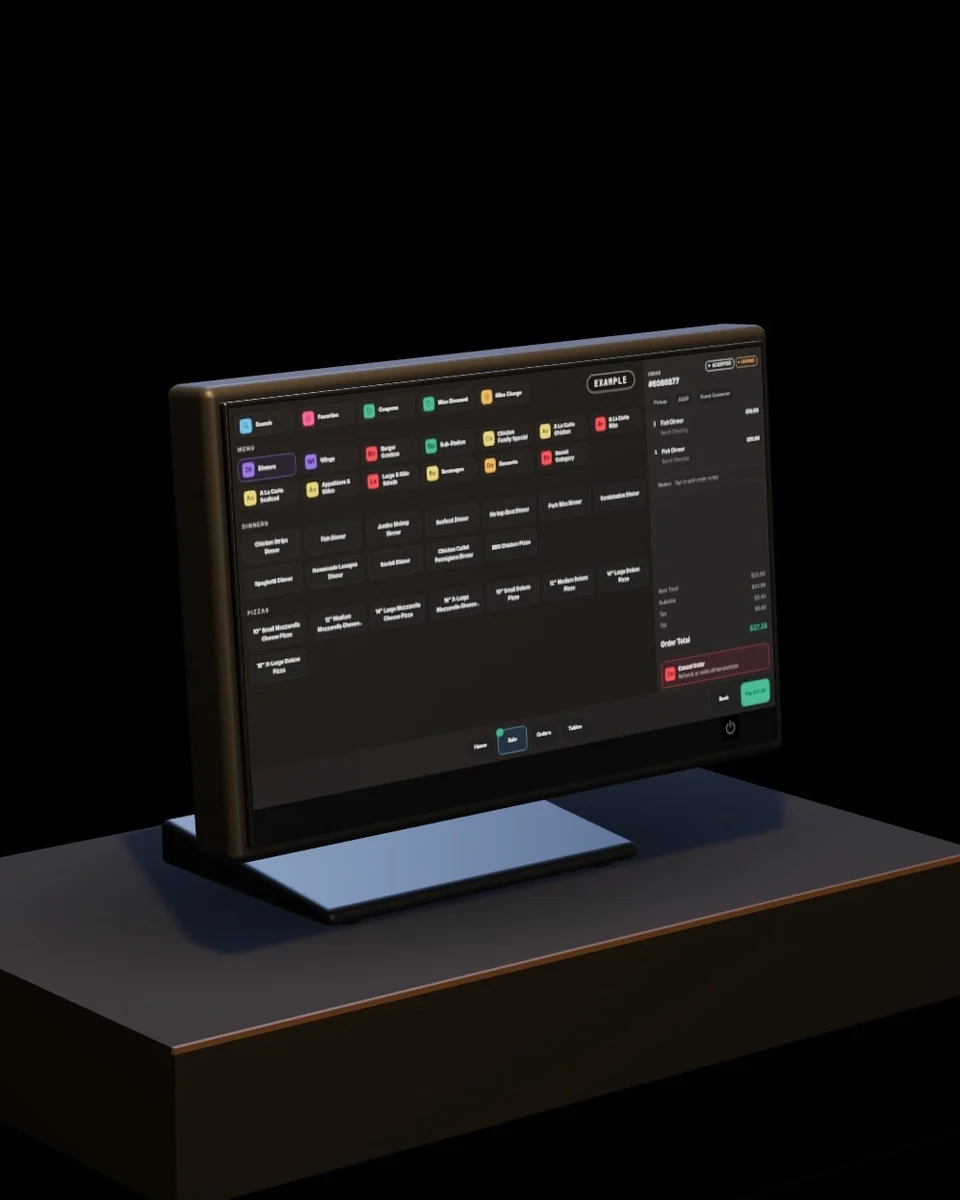
Take orders and payment at the counter, then open Back Office on the same screen.
On your list: 0 Review the list
Receipts at the counter, and new online orders can print on their own.
On your list: 0 Review the list
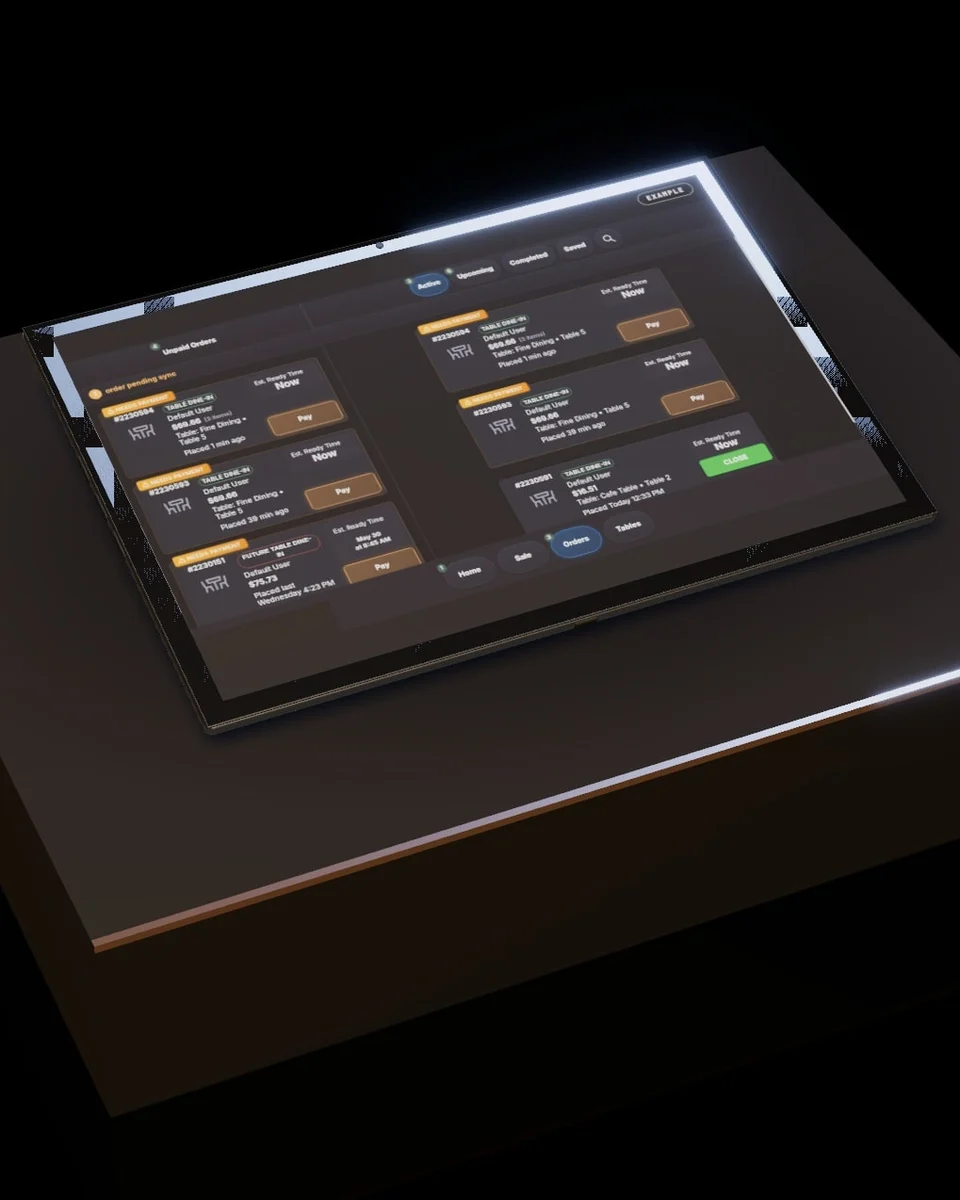
A 12.2-inch tablet that keeps every order in your hand, away from the counter.
On your list: 0 Review the list
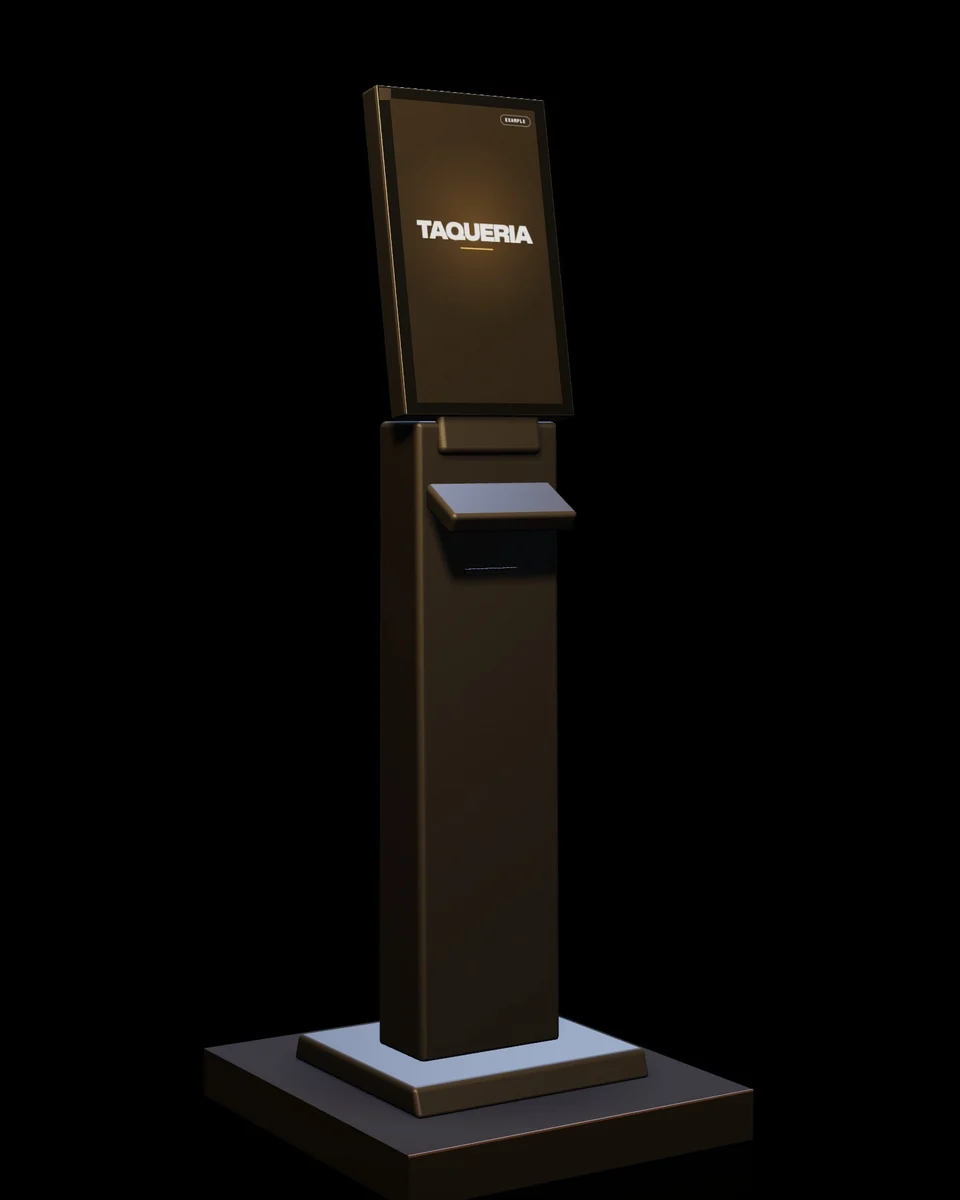
Guests order and pay on their own, straight into your order feed. A paid add-on our team installs and brands to your restaurant.
On your list: 0 Review the list
Add what you need. Our team checks the fit, the hardware terms and the setup with you before anything is ordered.
Start from an example setup:
The hardware
Ring up orders and run the back office from the same tablet.
Receipts at the counter.
Your orders, away from the counter.
Installed and branded to your restaurant by our team. A paid add-on.
At the counter and in the kitchen
Card Terminal
Card payments on a connected terminal.
Cash Drawer
Pops open on its own. Count it at closeout.
Customer Display
Guests pick a tip and sign in to your rewards.
Kitchen Display
One board for every order, whatever it came from.
Your hardware list
Nothing on it yet Add a device, or start from an example setup.
Hardware terms: ask us
No hardware is reserved and nothing has been sent to Blizzfull.
Or call (213) 529-3956
Your list stays in this browser. It is a planning aid only.

With Blizzfull, it doesn’t have to.
2,500+ restaurants served24/7 support(213) 529-3956
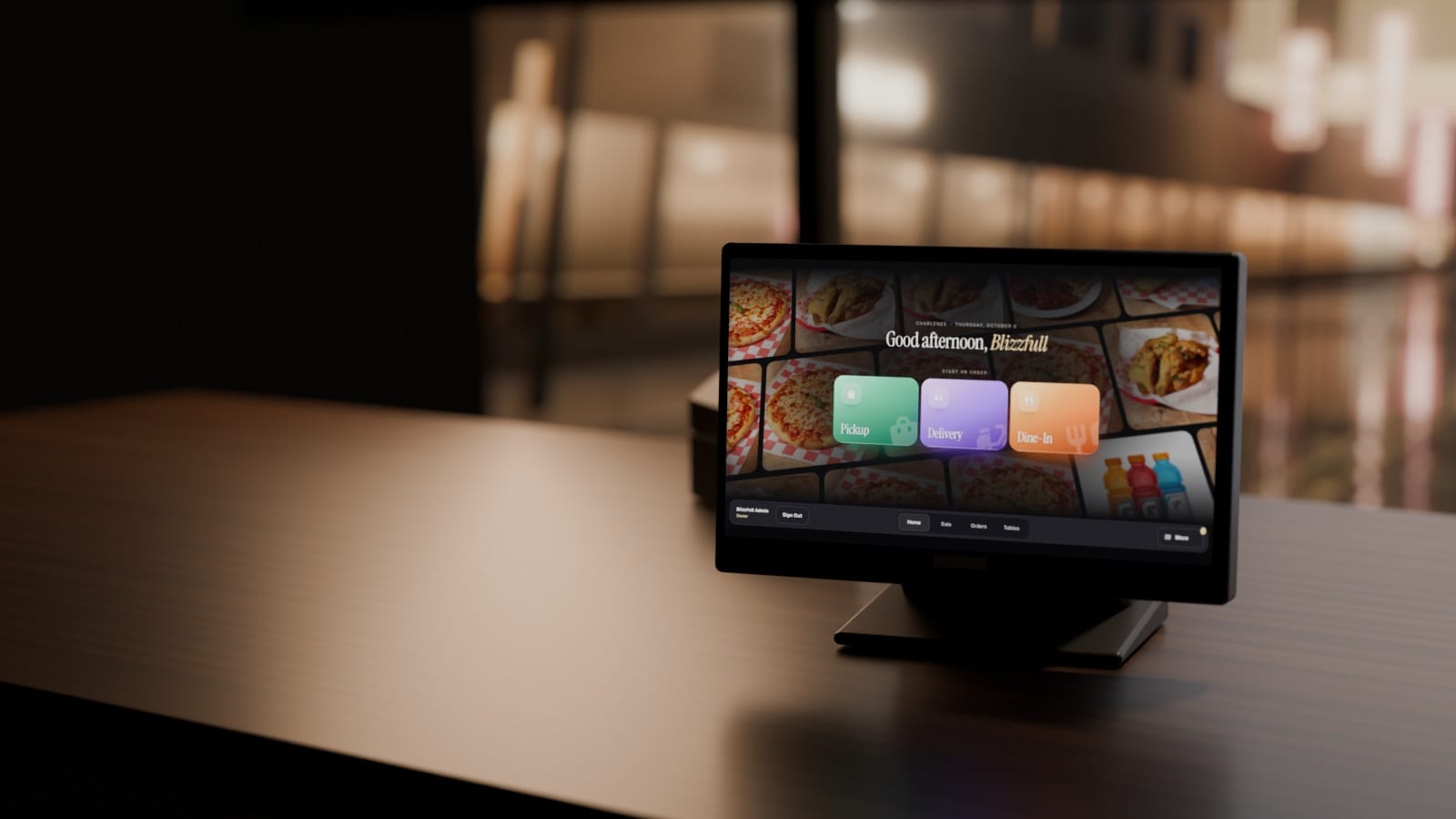
Orders, delivery apps, the kitchen, payments, gift cards and loyalty on one system. $0 for new signups.
Animated from real Blizzfull POS screens. Example restaurant.

Pickup, delivery or dine-in, from the same home screen.


Counter, online and delivery-app orders land in the same list, with what's paid and when each is due.

DoorDash, Uber Eats and Grubhub orders on the same board, printers and kitchen screen as yours.
Example

Counter, online and delivery-app orders on one kitchen screen, updated as orders change.
Example

AI writes and sends your emails and texts from your own sales. Approve the week in one tap. An add-on.
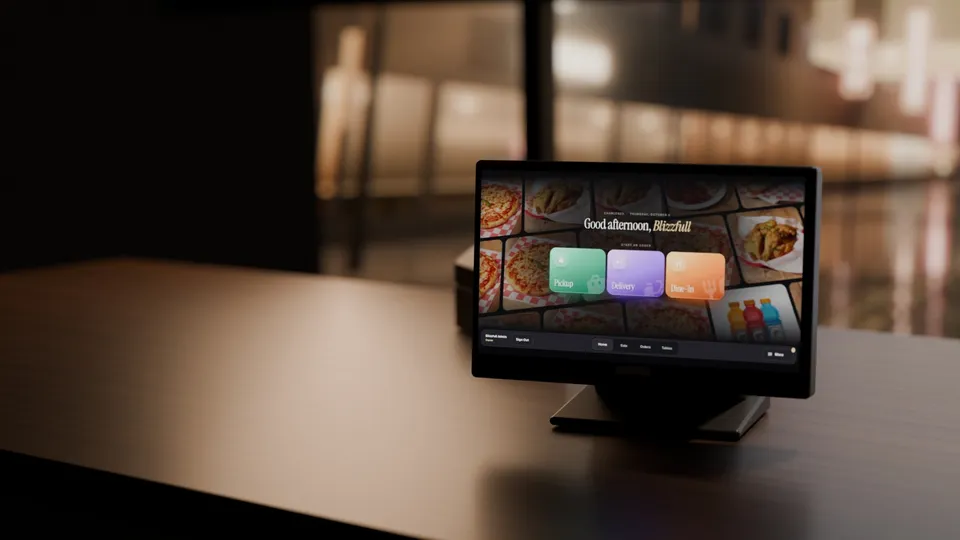
A 15.6-inch POS terminal, a receipt printer and a team tablet, installed and connected for you.
Talk it through with us, or go round again.
1 of 8
We call you. No calendar, no email needed.
The link to this demo and pricing will go to {contact}.
We’ll send the link to {contact} when it’s ready.