For quick service, at full rush.
Order-ahead from your own site, rewards that bring guests back, and a report on every sale.
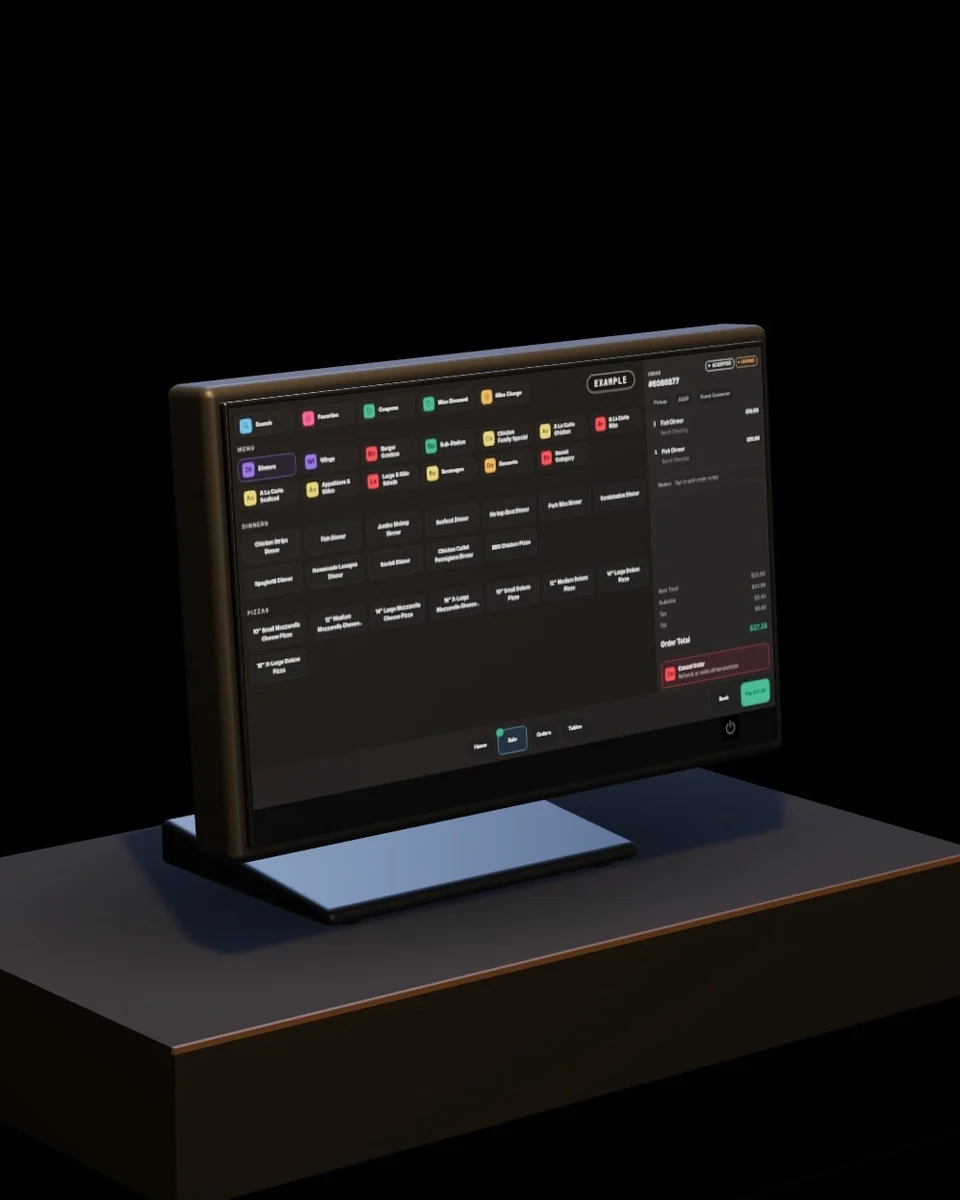
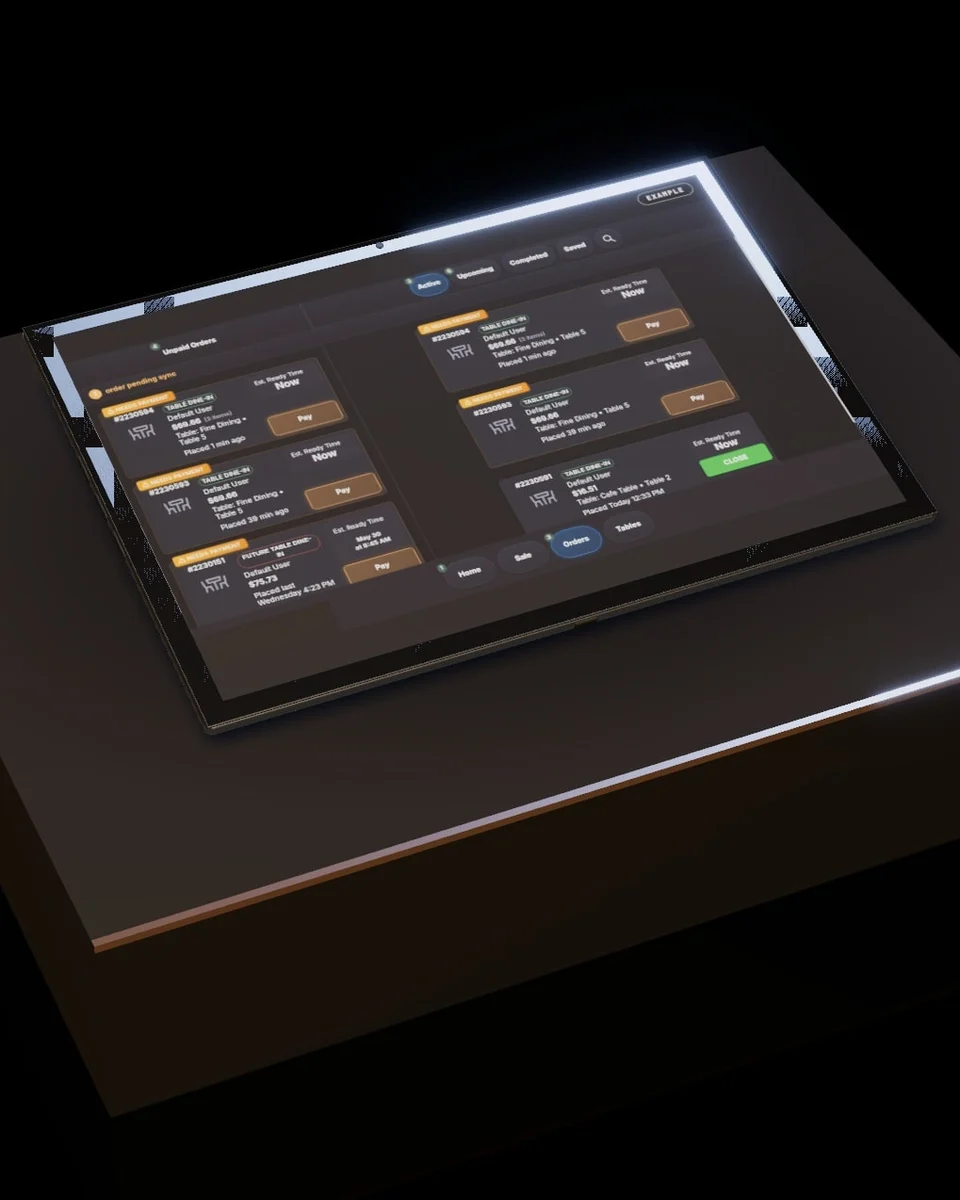
Every order on one board.
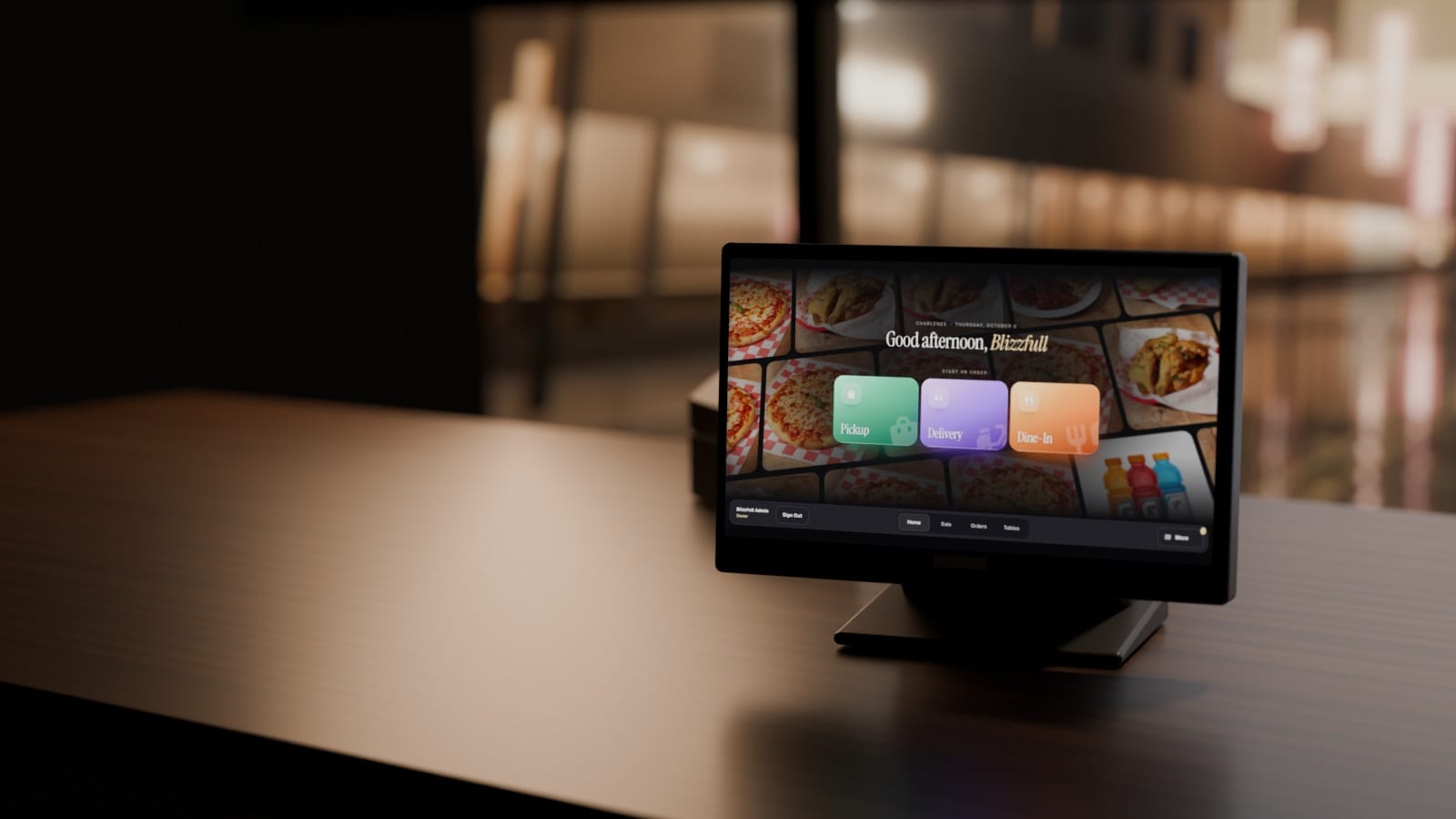
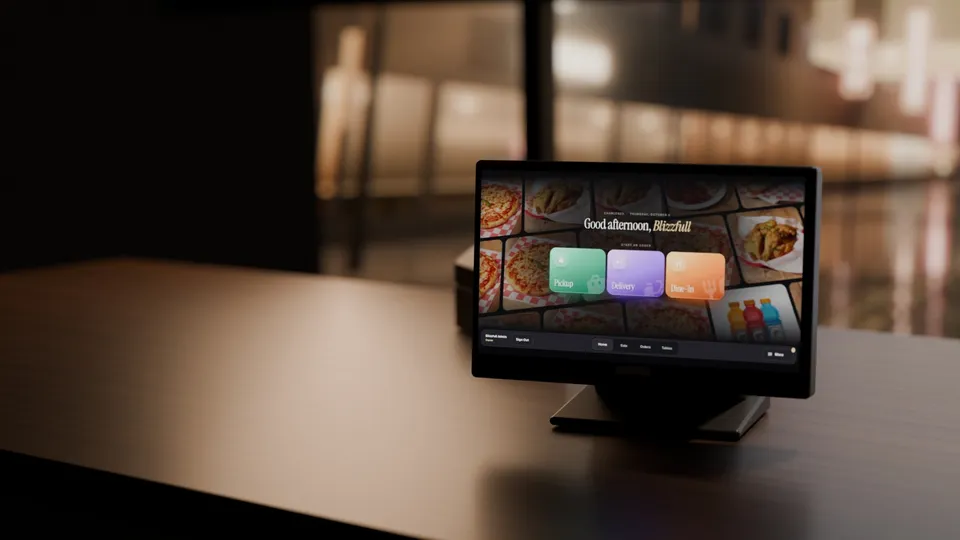
On the Blizzfull POS, set up by our team, counter, website and QR orders land together. Turn on auto-confirm and new orders accept themselves.
Points that bring them back.
Guests earn points on direct orders, or by typing their number at the counter, and trade them for free items or money off. You set the rate.
Charlene’s · rewards
Ana R. has 220 points
30 more for free fries.
John Kabobs built a base of regulars.
Branded ordering on their own site, and the repeat-guest tools that turn a first order into a habit.

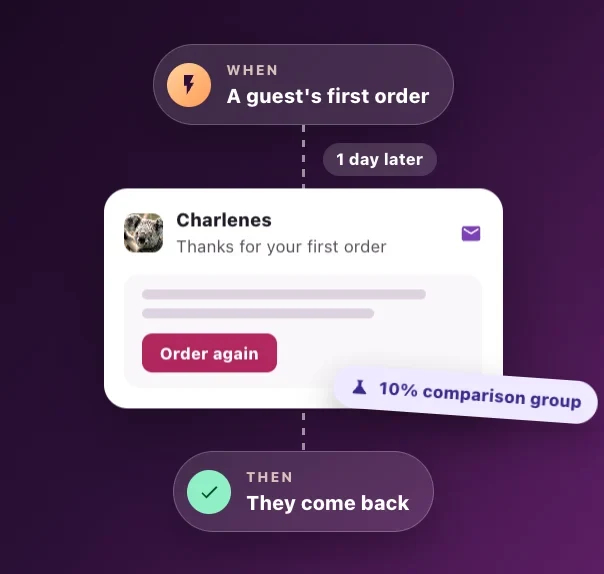
The second visit, on autopilot.
A day after a guest’s first order, Marketing Studio sends a thank-you with a way to order again. Birthday and win-back notes run on their own too.

A mom-and-pop should never lose to a chain on anything.
With Blizzfull, it doesn’t have to.
See how order-ahead, rewards and the Blizzfull POS could fit your rush.
2,500+ restaurants served24/7 support(213) 529-3956